Attendance
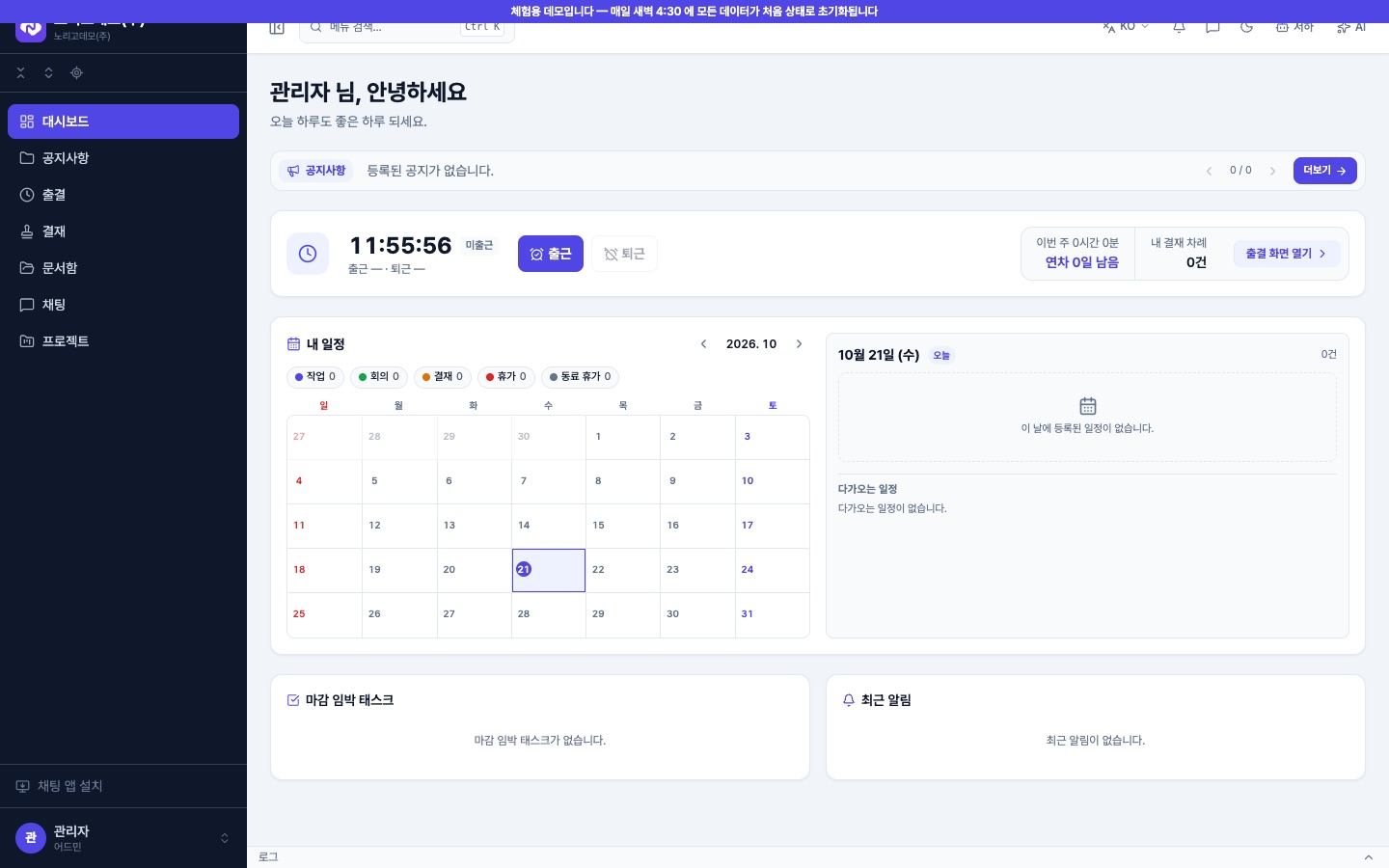
Clock in and out with one button and see this week's hours and leave left. Admins see the monthly sheet and export it as CSV.
 HS Solution
Noligo ERP · Business system
We build this system and use it every day ourselves. Web, desktop and mobile apps share one account. In the public demo you can open the admin, team-lead and staff views right away.
01 — Screens
These are captured from erp-demo.noligo.co.kr. Company names, staff and data are all demo data.


02 — Features
Everything listed here can be tried in the demo.
Clock in and out with one button and see this week's hours and leave left. Admins see the monthly sheet and export it as CSV.
Inbox, upcoming, sent, CC and done/rejected tabs. Set a delegate while you are away. Approved leave requests flow into attendance.
Upload to shared folders or your own drive. Each file shows its version, and deleted files stay in the trash for 30 days.
Direct, group, team and project rooms. A desktop chat app is also available.
Create projects and manage their tasks. Company-wide and by-status views show where things stand.
Org chart, staff, titles, teams and notices are managed from one admin area.
Add menus and screens without code. Upload an Excel layout to create a screen and set who can see each menu.
The web app, the desktop app and the mobile app share one account. AI tools can connect via MCP.
03 — Demo
The public demo opens without signing up, admin screens included.
Open erp-demo.noligo.co.kr04 — Contact
Tell us your team size, how you work today (spreadsheets, messengers…) and the features you need. We reply within 1–2 business days.